Freeshipping when you spend over A$99
We only deliver to Australia
Your purchases are shipped locally from Australia
Freeshipping when you spend over A$99
We only deliver to Australia
Your purchases are shipped locally from Australia



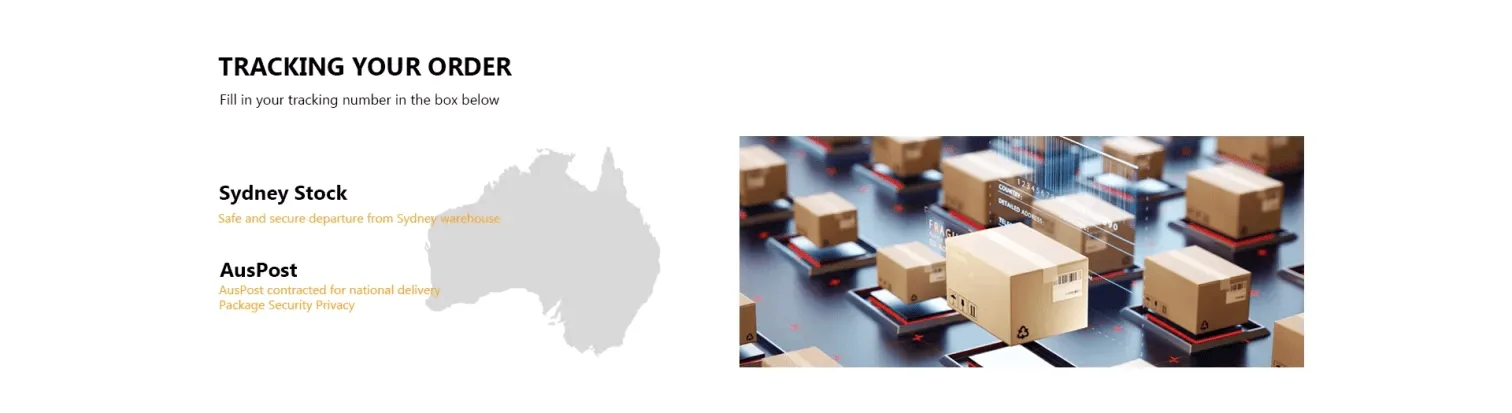
Orders are dispatched from our Australian warehouse, and the dispatch email contains the tracking number for your parcel. You can follow the delivery in two ways: paste that number into the tracking panel above, or open the carrier link in the email.
If a status has not changed for a while, or the tracking number is not recognised, send the order number through the contact form. Returns, refunds and delivery questions are covered in the returns and refunds policy.